
Draft · not published
Languages
Add a language in one sentence. Guests read your menu in it.
Say “Add German”, or choose it on screen. You keep working in your language. Check the translation before it goes online.
- Free while in beta
- You check it before guests see it
- Change it, or go back to a saved version
HuskIT prepares it. You have the final say.
Online
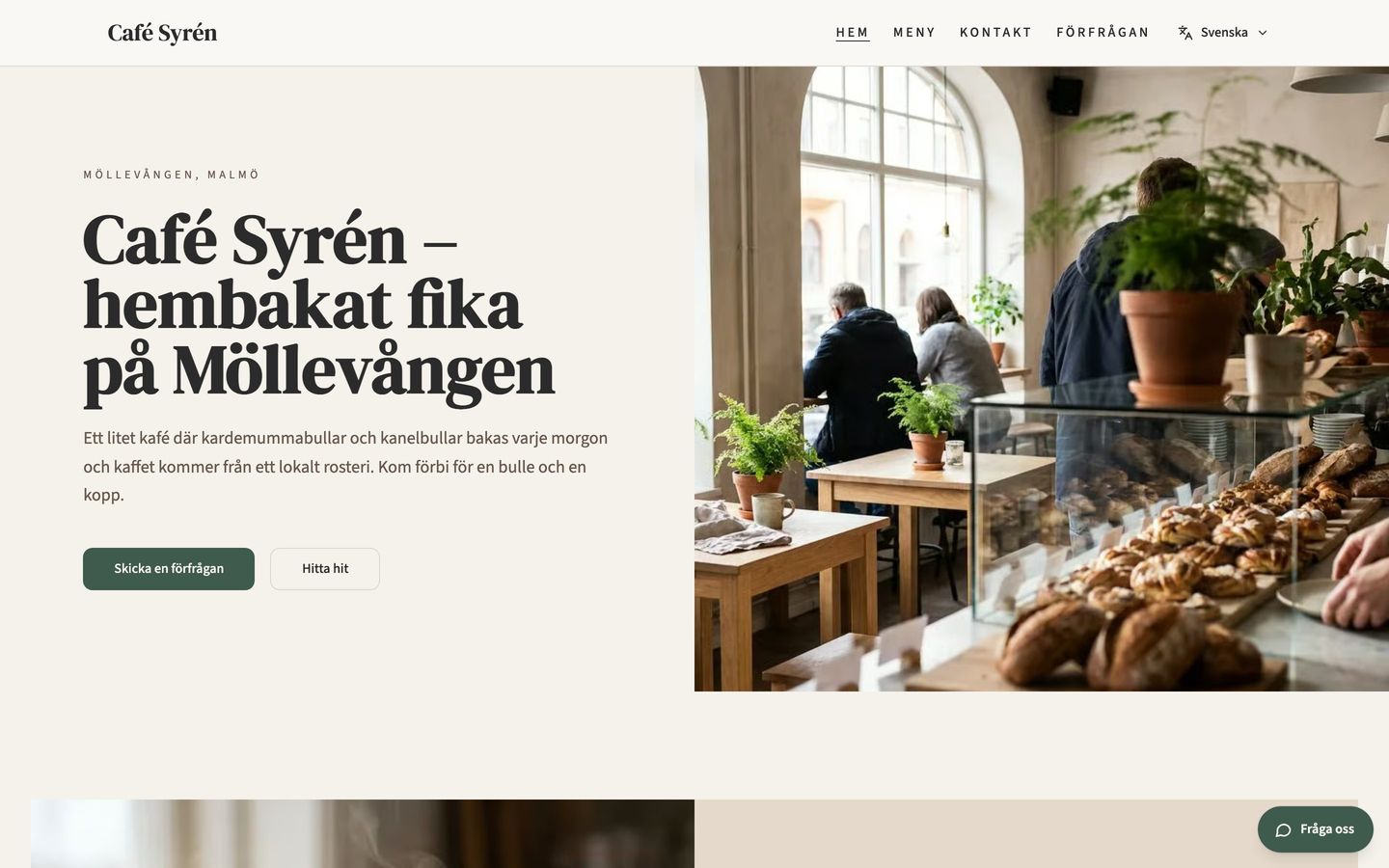
Café Syrén
Svenska · Deutsch
Kaffee & hausgemachter Kuchen
In short. Keep your working language and add the languages guests read. HuskIT translates the pages; you read them, fix the wording and update your website. Your screen language and the guest languages are separate.
Questions owners ask about languages
How do I add German to my café website?
Ask HuskIT to add German, or open Business, then Languages. A row shows “Translating…” while it works. Then read the translated pages.
Can I write in Vietnamese for a German website?
Yes. Your working language can differ from your guests’ language. Check names, numbers and meaning on the site. Voice works in English, Swedish, German and Vietnamese; type Danish and Finnish.
Can I correct just one translated dish description?
Yes. When you edit the wording, choose “Only change this language”. Prices are shared, so they stay together. Read the result before you update the website.
Can I take a language off the website later?
Yes. Use Remove a language and pick one. Check the site, then press “Update website”. Saved versions can bring it back, along with the rest of that version.
It does
- Adds translated pages and guest language choices.
It does not
- Promise perfect wording. Ask someone who speaks the language to read it.
Checked against the HuskIT product on 12 November 2026 by the HuskIT product team. Example businesses are invented; their photos are AI illustrations.
See yours before you decide.
Prepare your website, review it and publish when you’re ready. Free while in beta.
Get your free website preview We’ll tell you before anything costs money.