
Draft · not published
For restaurant owners
Today’s menu. Tonight’s tables. One less thing to chase.
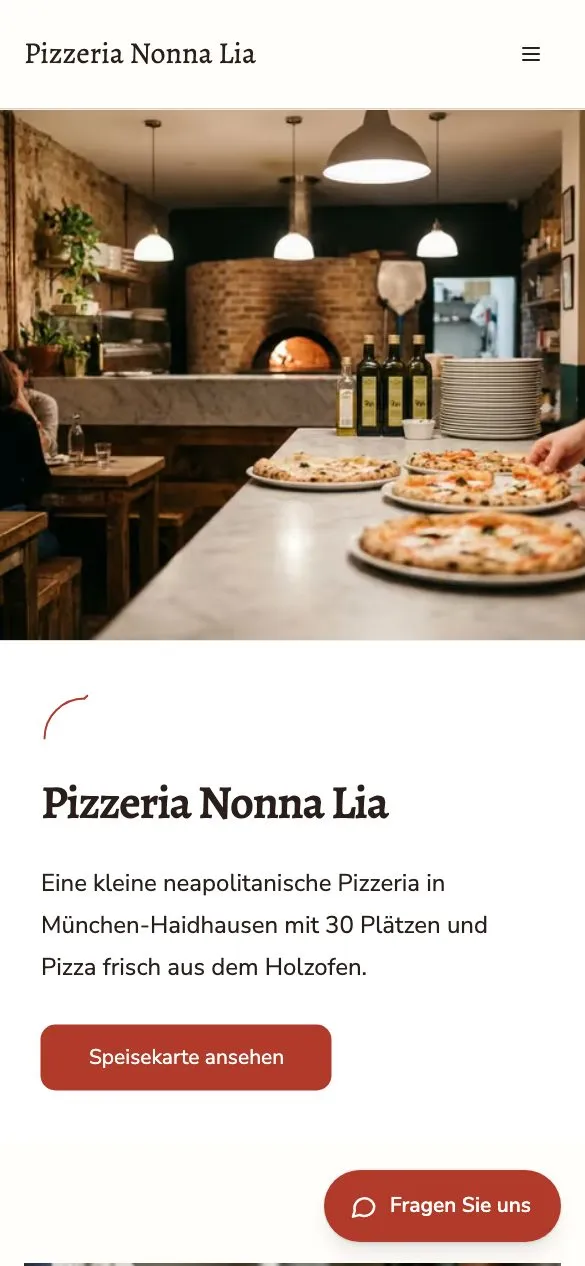
The lunch price changed. A group wants Saturday. Keep the menu right from your phone and decide table requests between guests.
Your five things
- 01
Lunch and dinner hours, clear
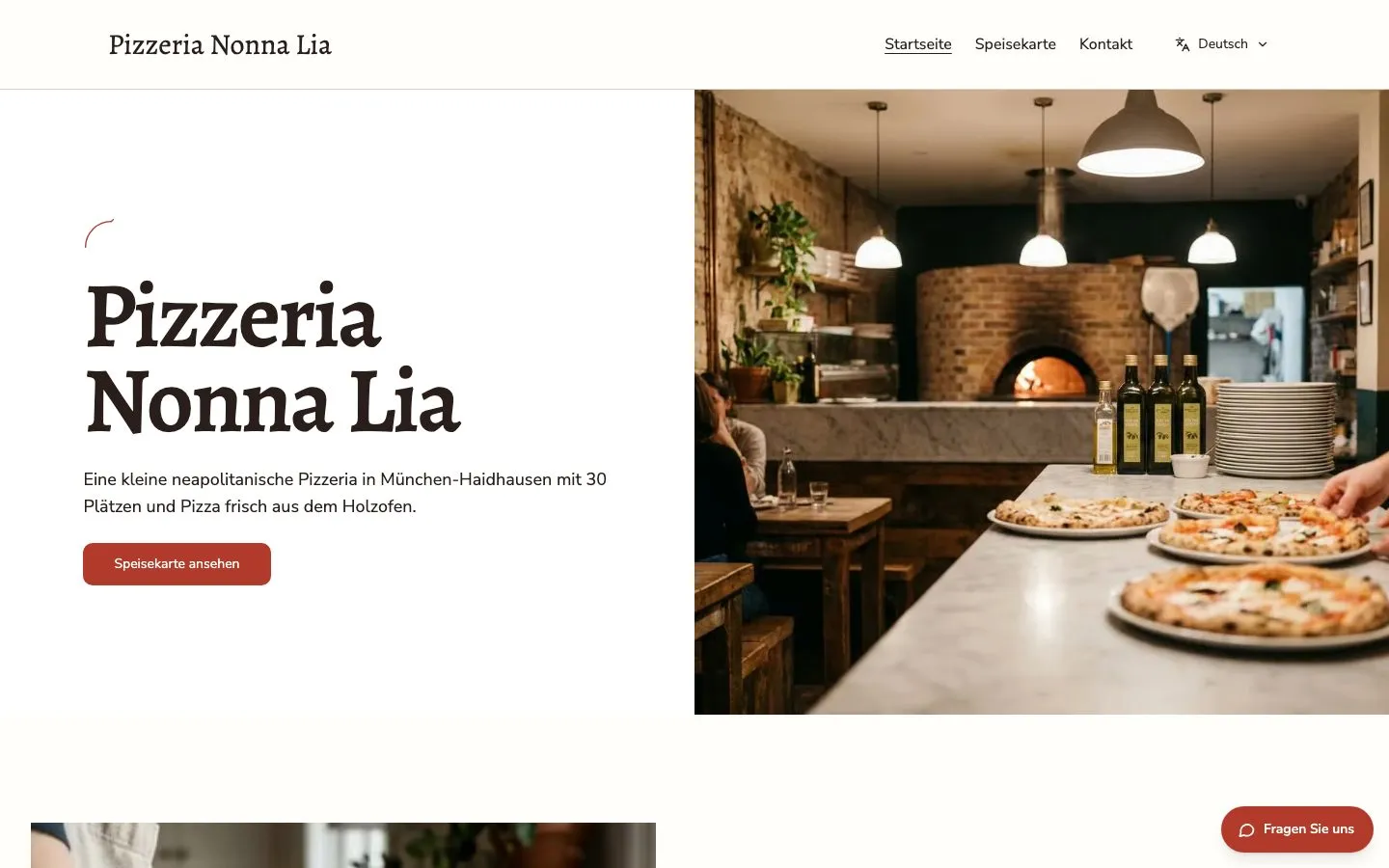
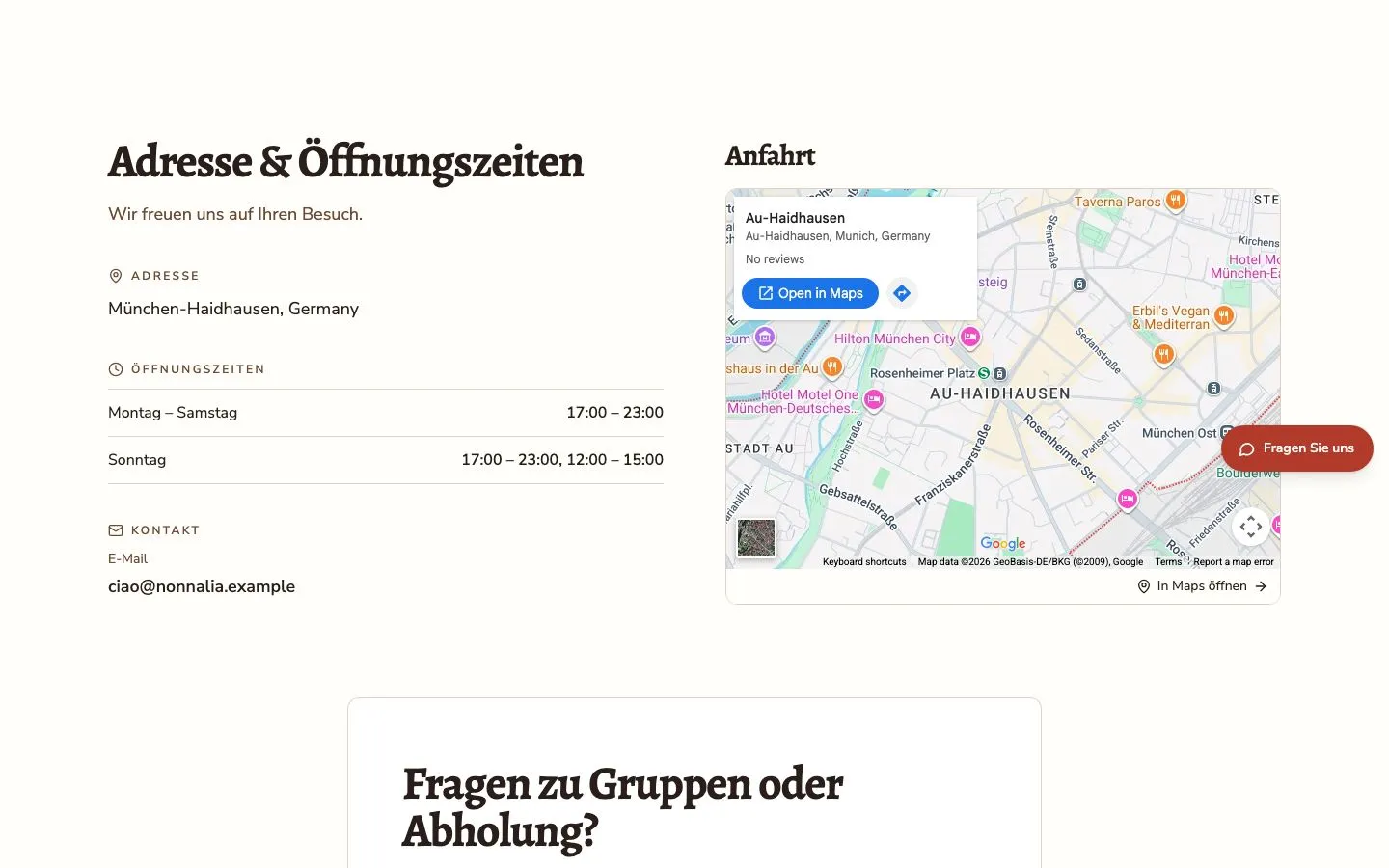
Kitchen times, photos and directions in one place.
- 02
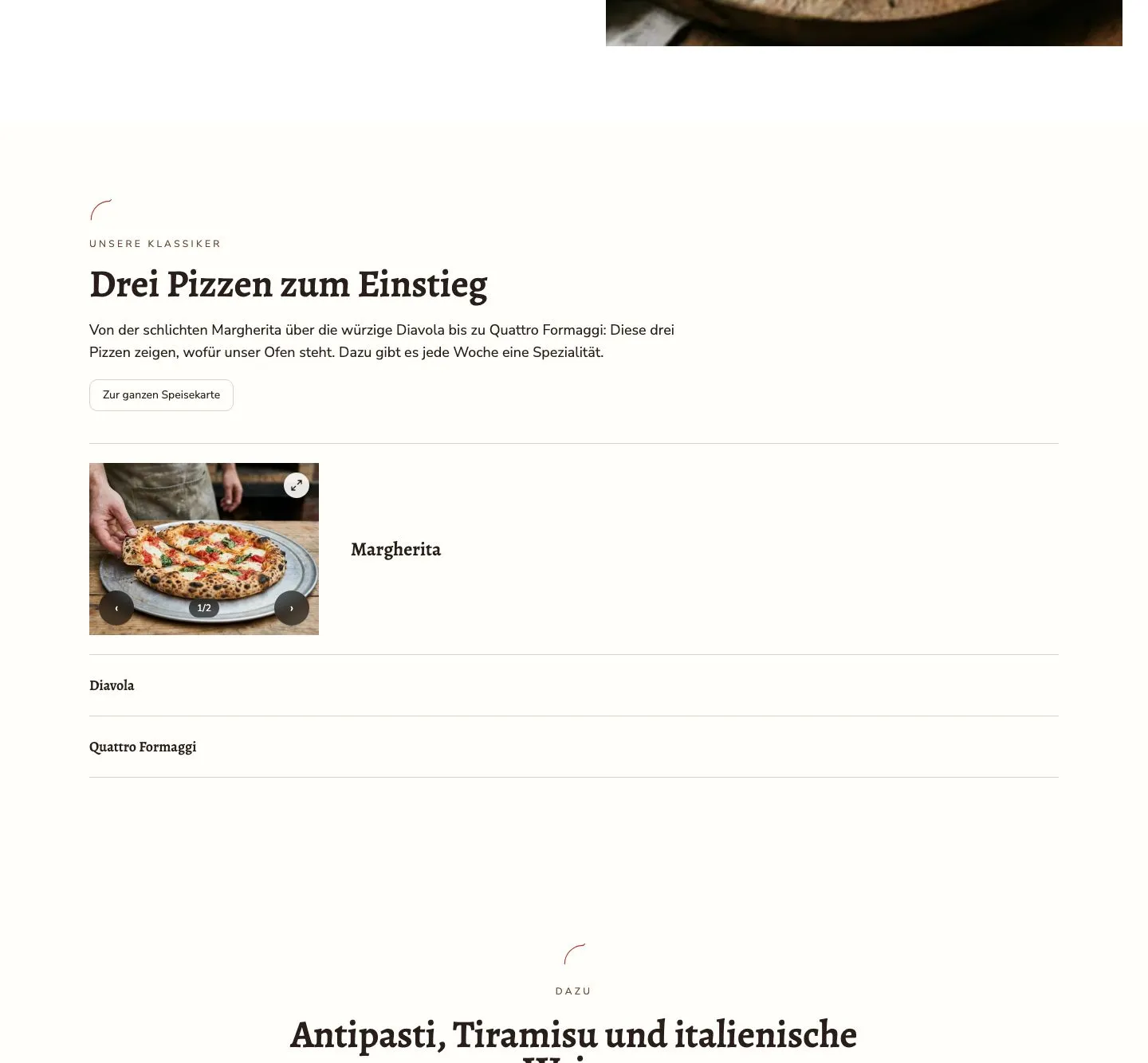
Show today’s menu
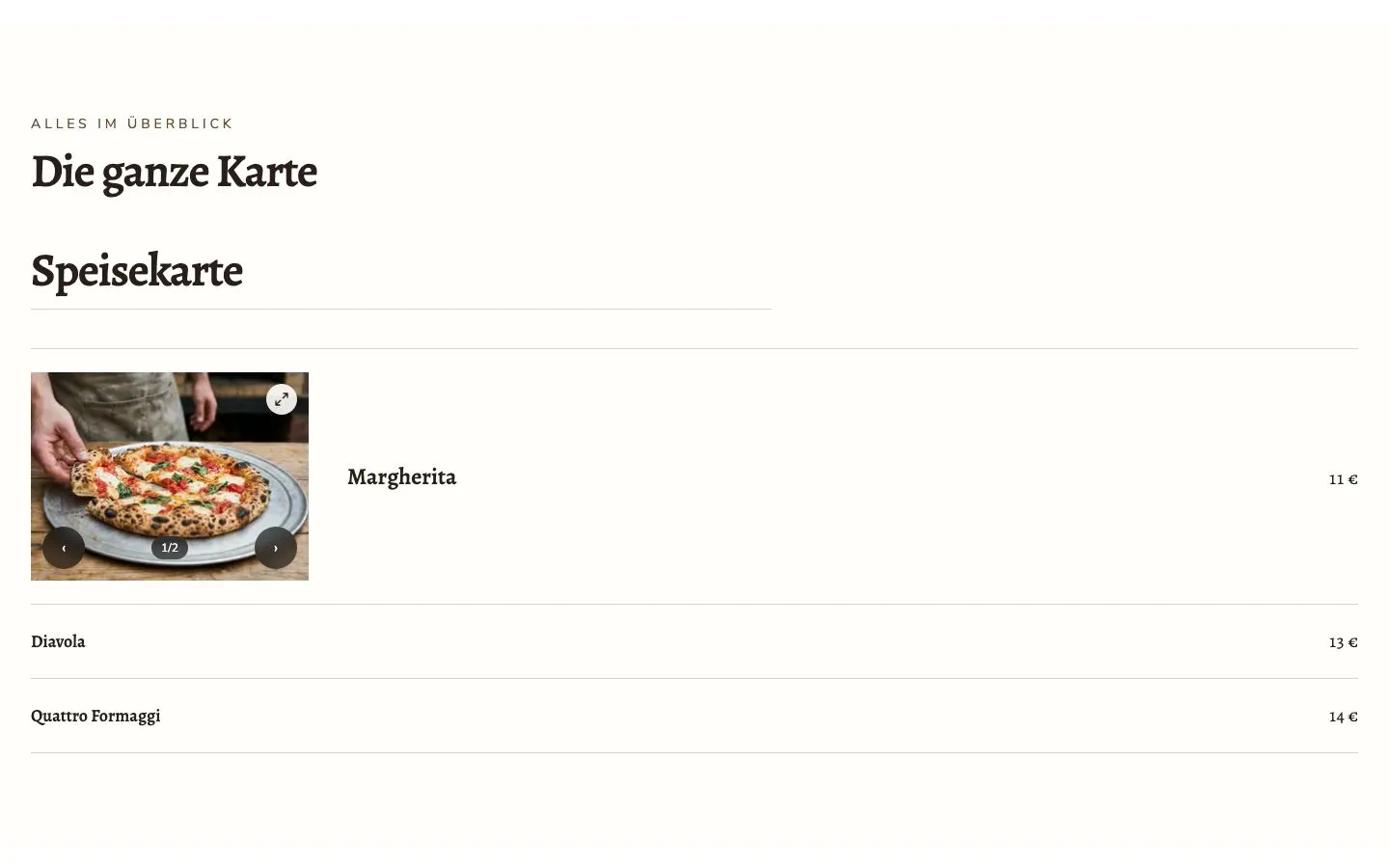
Bring a menu photo or PDF; check dishes, prices and allergens. Your website and website assistant use that one menu.
- 03
Change a price between sittings
Say the new amount, check it, then update your website.
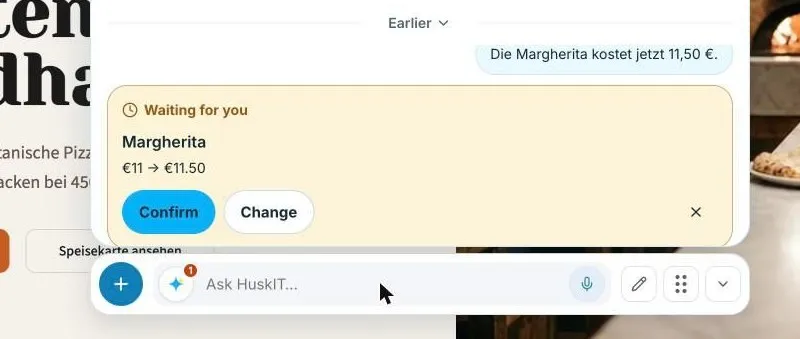
- 04
Help nearby guests choose you
Google and AI search can read your dishes and address.
- 05
Take table requests while you serve
Date, time and covers together; you check space and decide.
A day in your week
10:45 · Before lunch
The price changed
Checked and online before service.
12:35 · Lunch rush
Last Diavola sold
Staff can mark it. It stays sold out until you switch it back.
17:40 · Dinner starts
A table for four
You decide. Your answer goes out by email, and the receipt shows when it was sent.
After the visit
Did they come?
Mark it after the visit, if you want to.
HuskIT prepares it. You have the final say.
Questions from restaurant owners
Can the floor team mark a dish sold out?
Yes. Staff can mark a dish sold out; prices and publishing stay with you. It stays sold out until you switch it back.
Is a table request already a booking?
No, it is a request. You accept or decline, and HuskIT sends your answer to the guest by email, with Undo send. There is no fee per guest.
Can it answer calls or advise about allergens?
It answers in your website chat from your saved menu and facts. It does not answer the phone, and allergy questions go to your team.
Can I keep my delivery apps and till?
Yes, keep them. If you turn on order requests, guests ask in chat and you confirm. Payment and delivery stay with you.
Put your next menu change in your own hands.
HuskIT is free while in beta. We’ll tell you before anything costs money.
Get your free website preview