
Draft · not published
Website for cafés
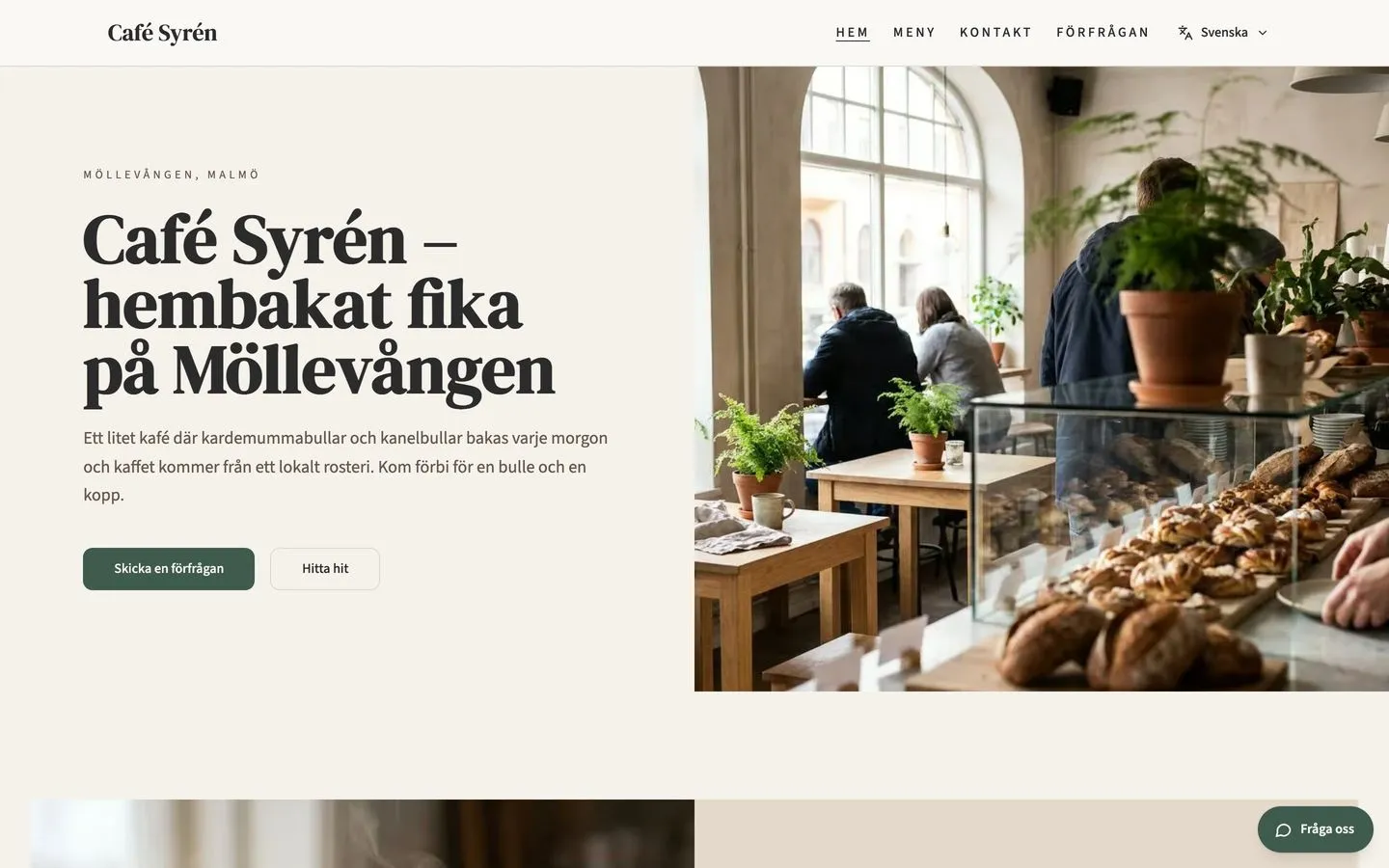
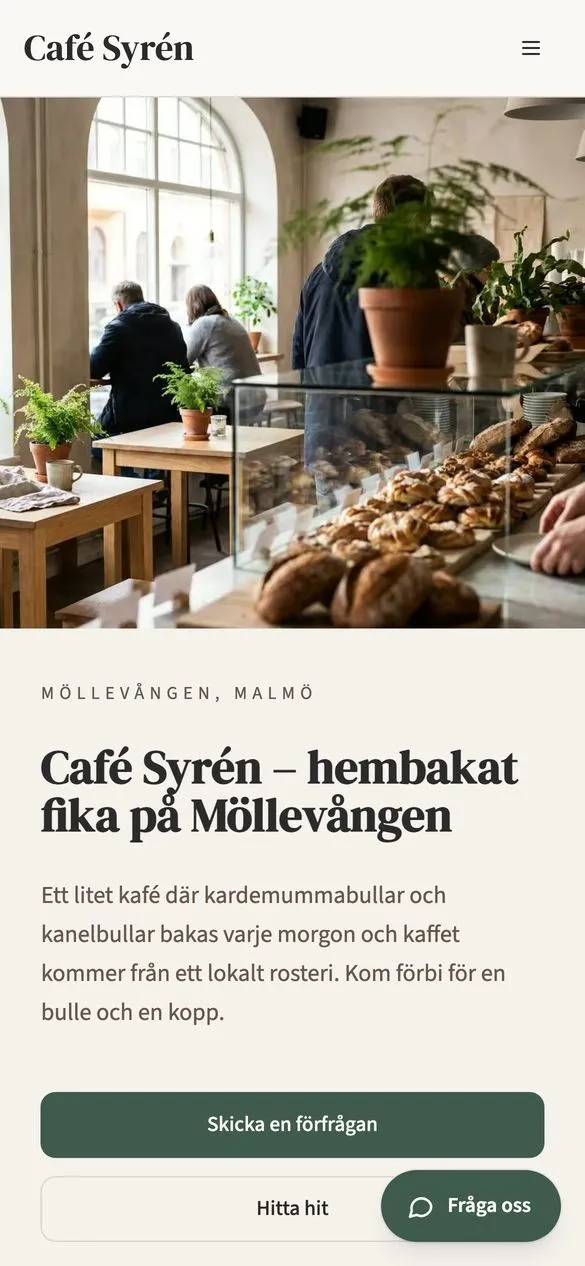
They came for brunch. You stopped serving it an hour ago.
Show brunch times, today’s menu and the answers you give every Saturday. Guests find the basics while you serve.
Your five things
- 01
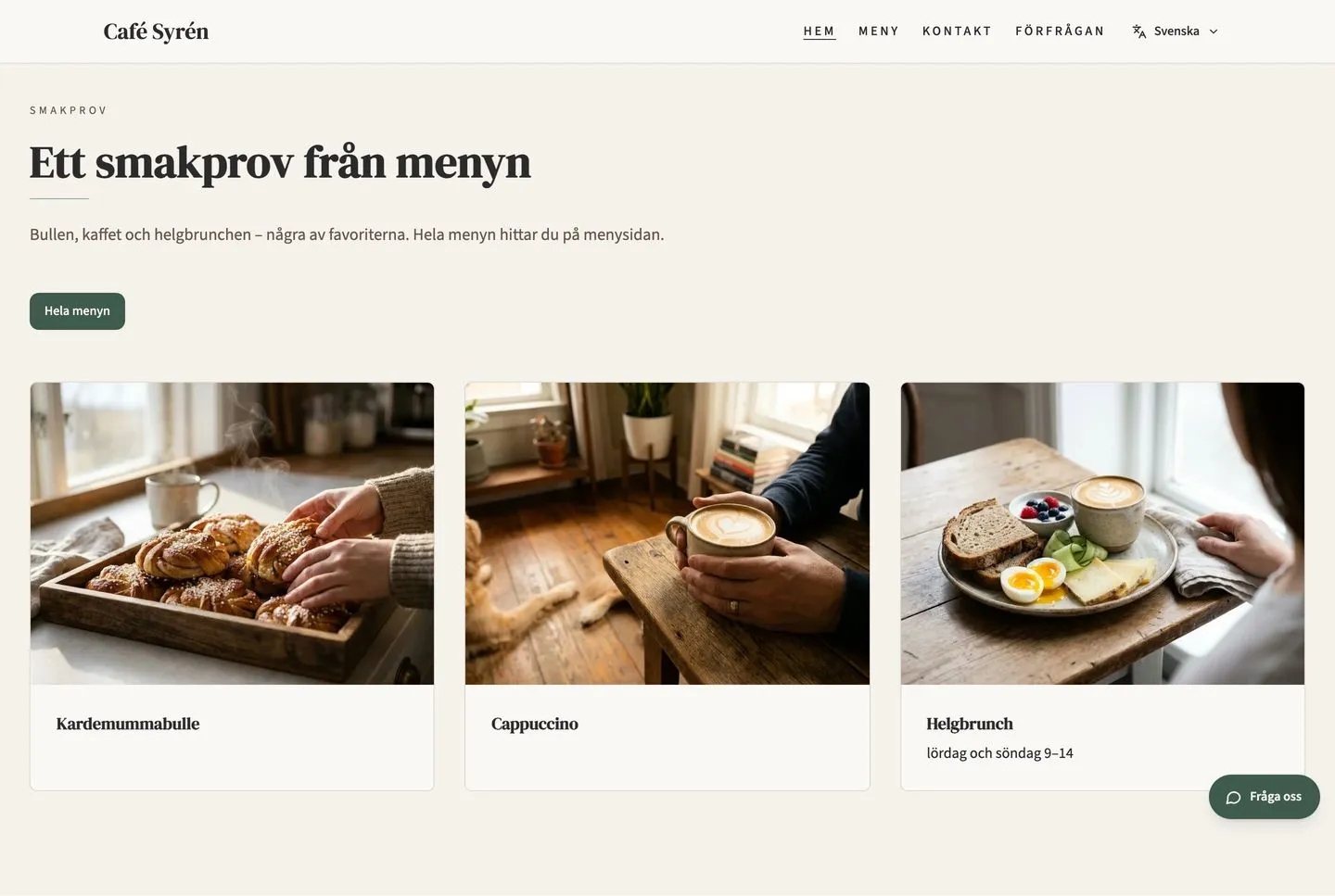
A taste of your café
Start from your listing, menu or photos. You check the site before it goes online.
- 02
Brunch ends at two
Show the dishes and when brunch ends. Café Syrén’s example puts weekend serving times beside the offer.

- 03
Sunday is different this week
Give HuskIT the date and the new hours. Look over the week, confirm, then update your website. Special days stay apart from your regular hours.
- 04
Help the next neighbour choose
Your menu and address give search tools clear facts. HuskIT also writes review replies for you to send or copy.
Café Syrén, Malmö HuskIT / Guests · Google
Elin A.
Så god helgbrunch och fina kardemummabullar!
Suggest a reply / Send reply / Reply sent
Illustration · invented example business.
- 05
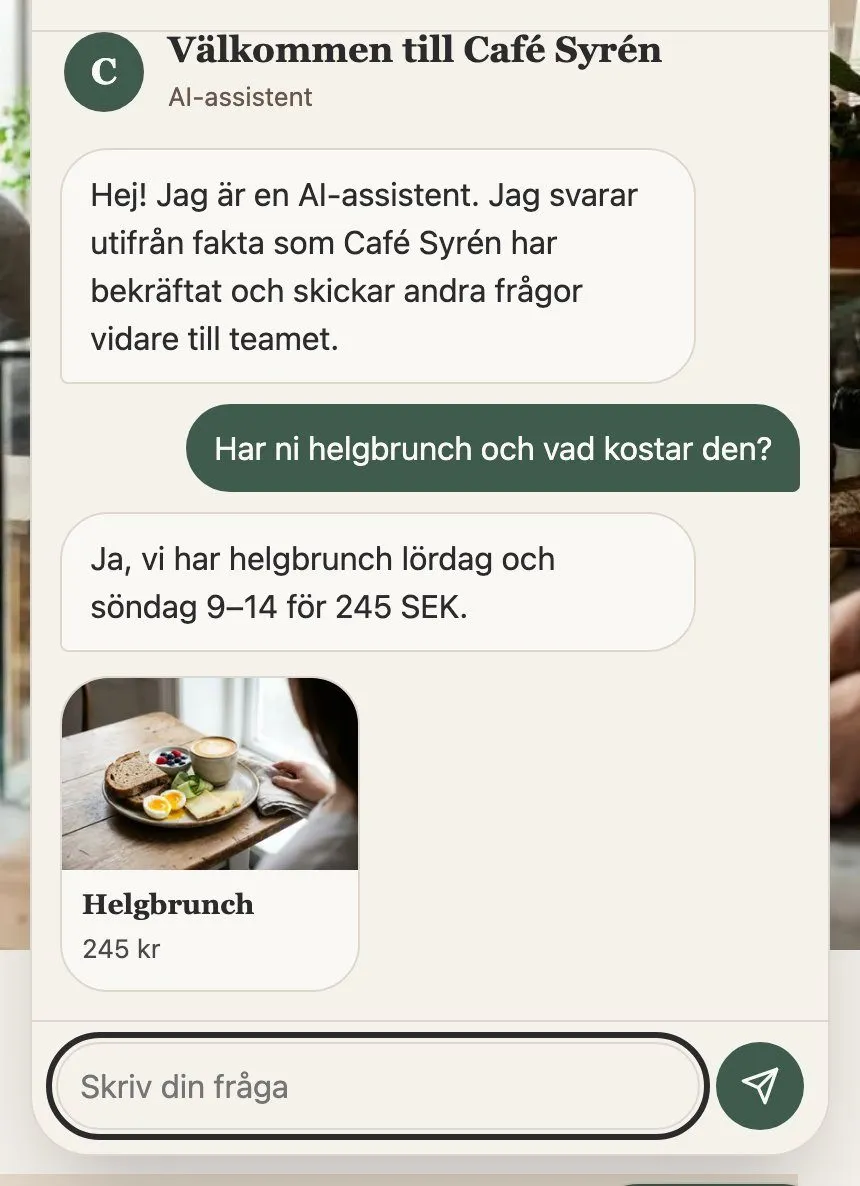
Dogs, oat milk, a table for eight
Save the answers you know beside your menu and hours. Your website assistant answers from those same facts; if it does not know, the guest leaves contact details.
A day in your week
Before opening
Check the weekend offer
Serving times show apart from your opening hours.
Between cups
A different Sunday
Only that Sunday changes. Your usual week stays as it is.
During brunch
Can eight of us come?
Date, time and guests. You decide after checking the room.
HuskIT prepares it. You have the final say.
Questions from café owners
Can brunch have different times from the café?
Yes. Show brunch times next to your opening hours. Guests see them after you press Update website.
Can the assistant tell guests that dogs are welcome?
Yes, if you add your dog policy to Common questions. If the assistant does not know, the guest leaves contact details and your team replies.
Walk-ins only on weekdays. Do I need table requests?
No. Leave table requests off. To take them, set your email and time zone, then turn them on. You decide each one, and there is no fee per guest.
Can I post the weekend brunch and answer reviews?
Yes. Post the brunch from a professional Instagram account. With your Google listing connected, review replies send from HuskIT; for reviews elsewhere, copy the reply yourself.
See what your café’s website could look like.
HuskIT is free while in beta. We’ll tell you before anything costs money.
Get your free website preview