
Draft · not published
Start without a website
Nothing online yet? Start with your own words.
Your words can be the starting point. Bring photos or a menu if you have them.
- Free while in beta
- You check it before guests see it
- Change it, or go back to a saved version
HuskIT prepares it. You have the final say.
Your website is ready
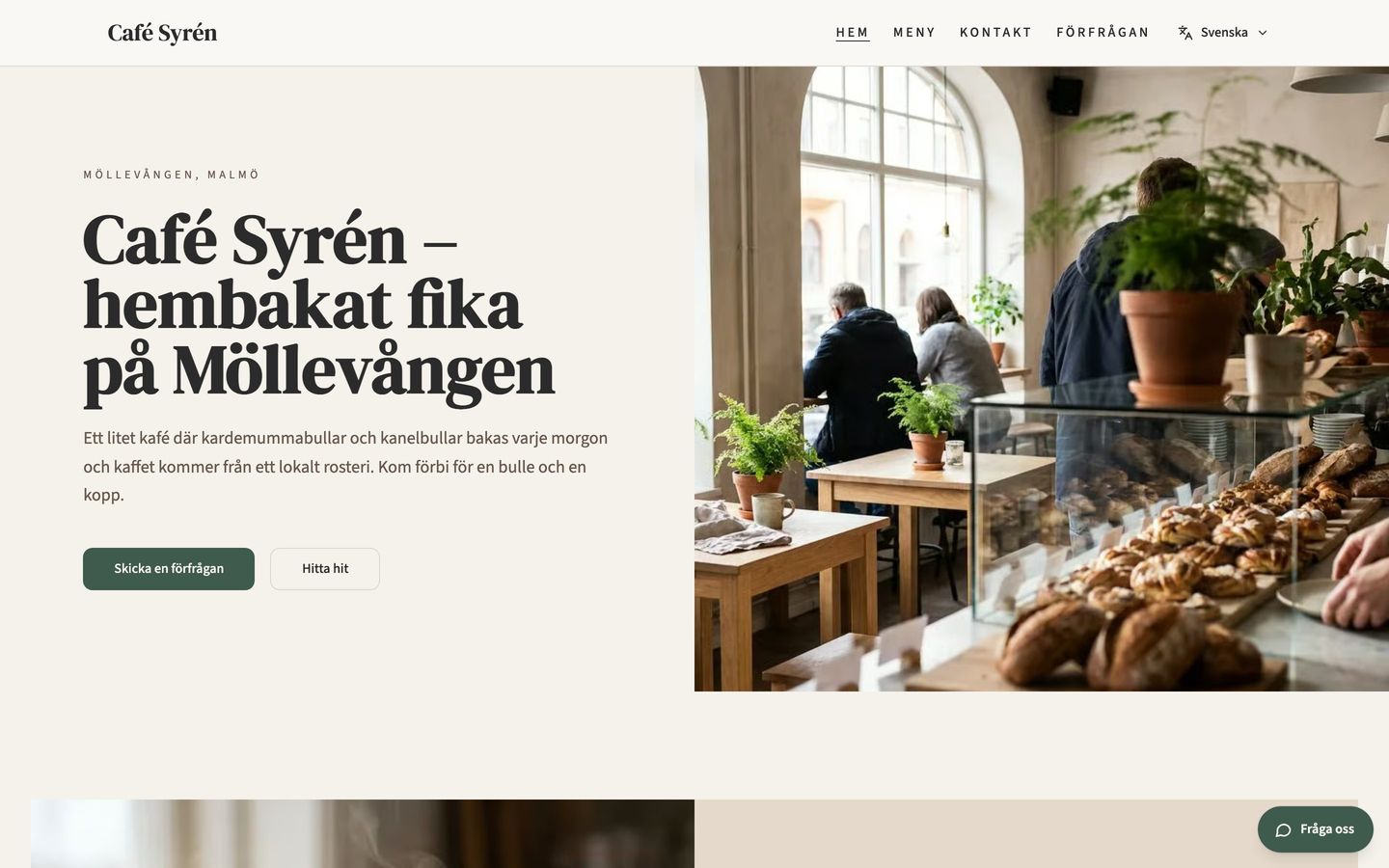
Café Syrén
Not online yet
Look around firstIn short. You do not need a website or Google Maps listing. Tell HuskIT what you do and check what it reads back. Add a usable contact, and you get a preview. You choose when to publish.
Questions owners ask about start without a website
What is the first screen when I have no Google Maps listing?
The manual start asks “What have you got?”. Pick a document, photos or links, or nothing yet. If you do have a Google Maps listing, you can go back to search.
What should I say about the business?
Say what you do and who for, in ordinary words. Type, or speak in a supported voice language. Check what HuskIT read back, then confirm the type of business.
Must I have opening hours and photographs ready?
No. You can leave hours and photos for later. You need your name, what you do and a usable phone, email or profile link. Add your address, or say you work from home or travel.
When can other people see the new website?
Not until you put it online. First you get a preview to look around. Check the facts and look, then press “Put my website online”.
It does
- Starts a preview from your own words.
It does not
- Start without a usable contact. Makers and trades are coming soon.
Checked against the HuskIT product on 12 November 2026 by the HuskIT product team. Example businesses are invented; their photos are AI illustrations.
See yours before you decide.
Prepare your website, review it and publish when you’re ready. Free while in beta.
Get your free website preview We’ll tell you before anything costs money.